Speed Test
Check how fast your internet really is, and what that means for the things you do.
What it does
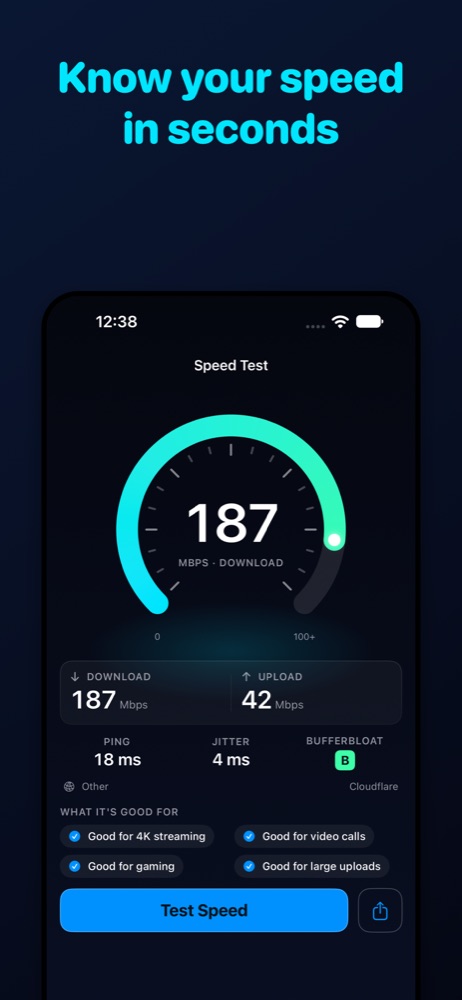
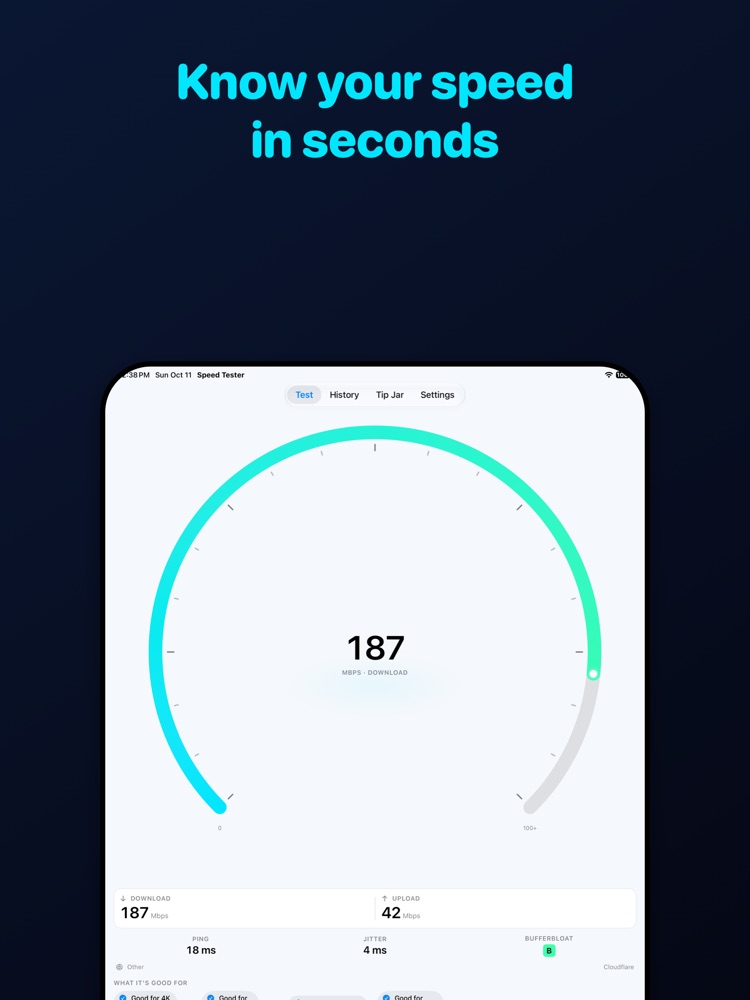
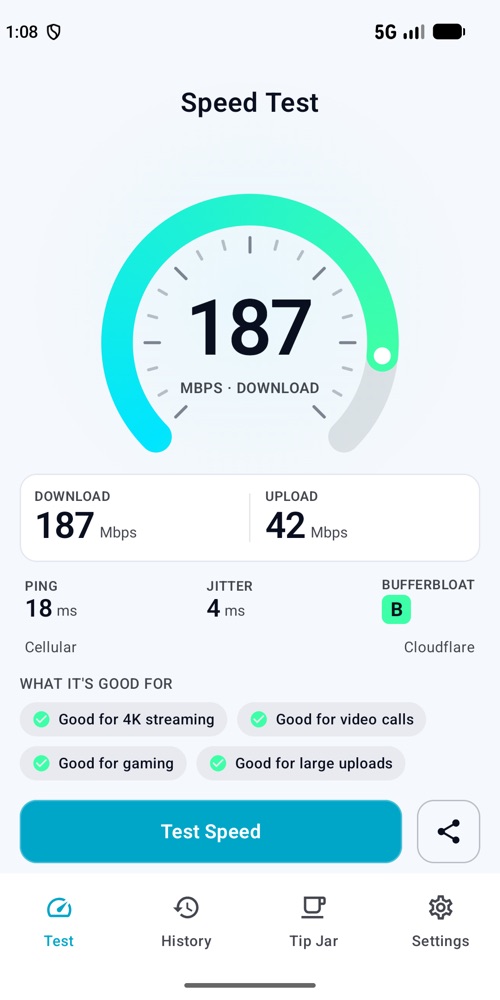
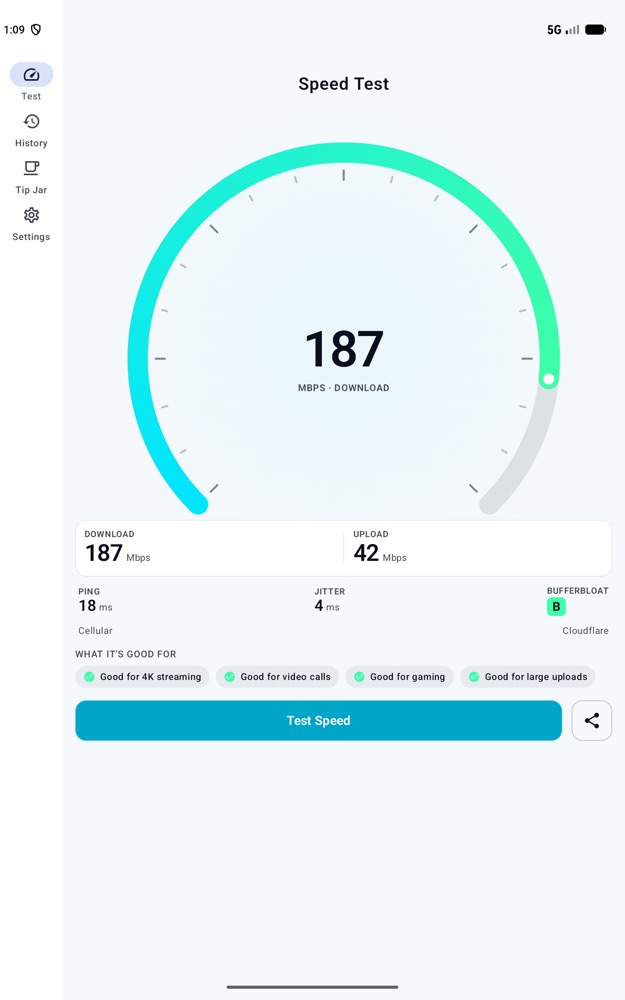
Speed Test measures download speed, upload speed, ping and jitter in one tap, then explains the result in plain language. It also measures bufferbloat, which shows why video calls and games can lag even when speeds look fine. No account, no sign-in.
Features
Download, upload, ping, jitter
A full test takes about 30 seconds. Cancel at any time. The app shows whether you are on Wi-Fi, cellular or Ethernet.
Bufferbloat grade A to F
Ping is measured while the connection is busy. A or B means calls and games stay smooth when others share the network. D or F explains lag during video calls. The overall grade is the worse of the download and upload phases.
Plain-language verdicts
Good or weak for 4K streaming, video calls, gaming and large uploads, based on your speeds, ping and grade.
History
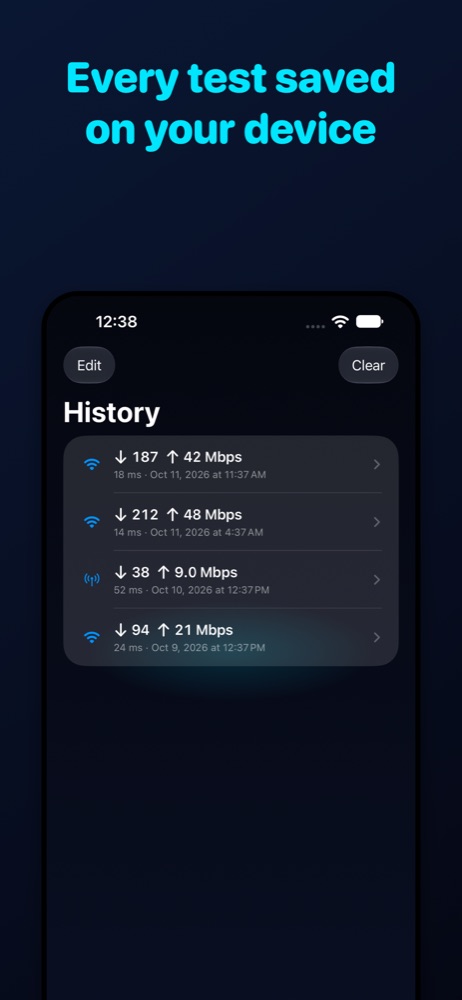
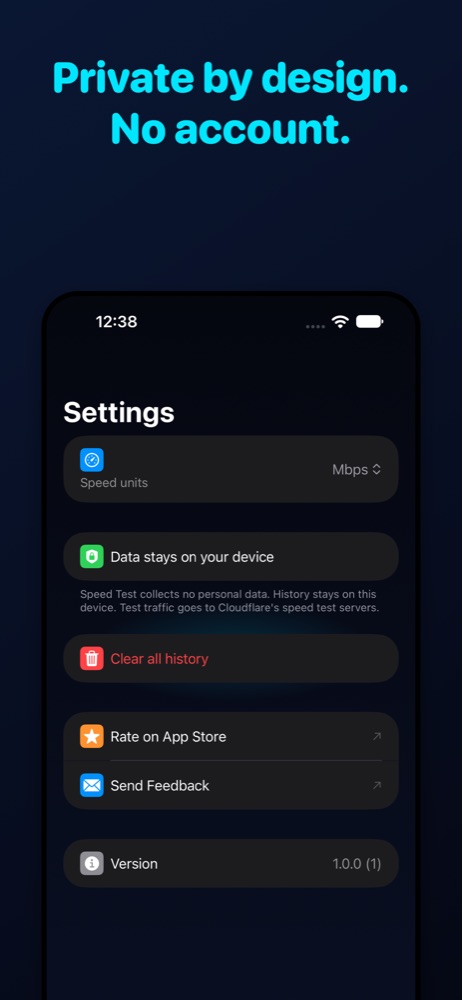
Up to 500 past tests are stored on your device, newest first. Delete one test, or clear all in Settings.
Share and units
Share or copy a plain-text summary of any result. Show speeds in Mbps or MB/s.
Cellular friendly
On cellular, each phase stops after 6 seconds or about 50 MB. Low Data Mode (iOS) and Data Saver (Android) are respected: the app asks before testing.
Cloudflare servers
Tests run against Cloudflare's speed test servers, with fallbacks if they are unavailable.
Platform differences
None beyond the system look: both platforms have the same tabs (Test, History, Tip Jar, Settings) and features.
Supported devices
- iPhone and iPad on iOS 17 or later.
- Android phones and tablets on Android 8.0 or later.
- Languages: English, Spanish (Spain), Spanish (Latin America).
- Light and dark mode follow your system setting.
Pricing
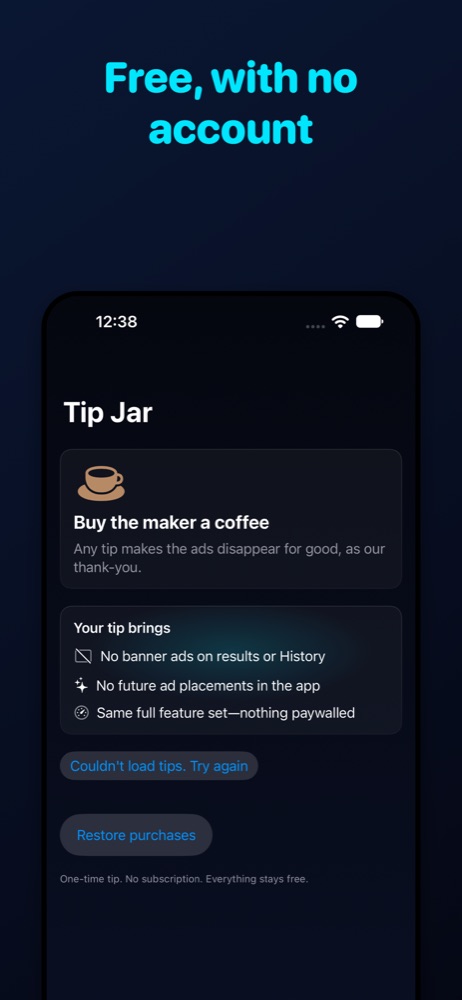
Every feature is free. Small banner ads appear only on test results and in History. Leave a one-time tip in the Tip Jar: Coffee $0.99, Cake $2.99, Lunch $4.99, or Feast $9.99. Any tip removes ads for good. No subscription. Use Restore purchases on a new device with the same Apple ID or Google account.
Privacy at a glance
- No account and no analytics or tracking SDKs.
- Results and history stay on your device.
- Tests send traffic to Cloudflare's speed test servers. Your results are not sent anywhere.
- The app does not record your IP address, location or Wi-Fi network name.
- Ads are provided by Google AdMob.
Read the full Privacy Policy.
Links and download
© 2026 Yoraba