ID Photo Maker
Guided capture and editing for passport and ID photos. Measurable checks, on-device processing. No account.
Coming soon to the App Store and Google Play.
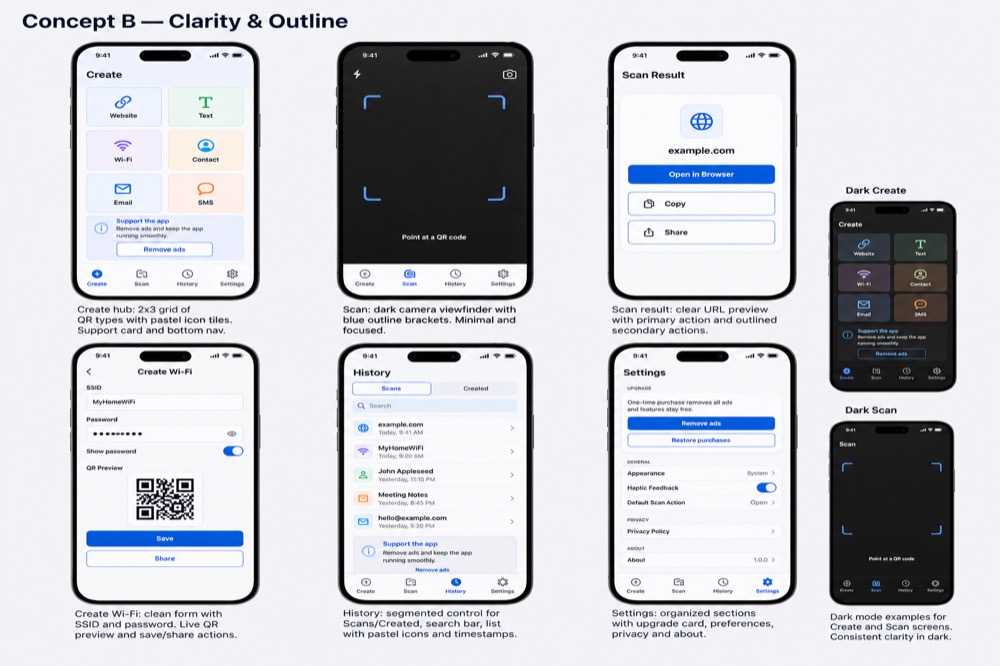
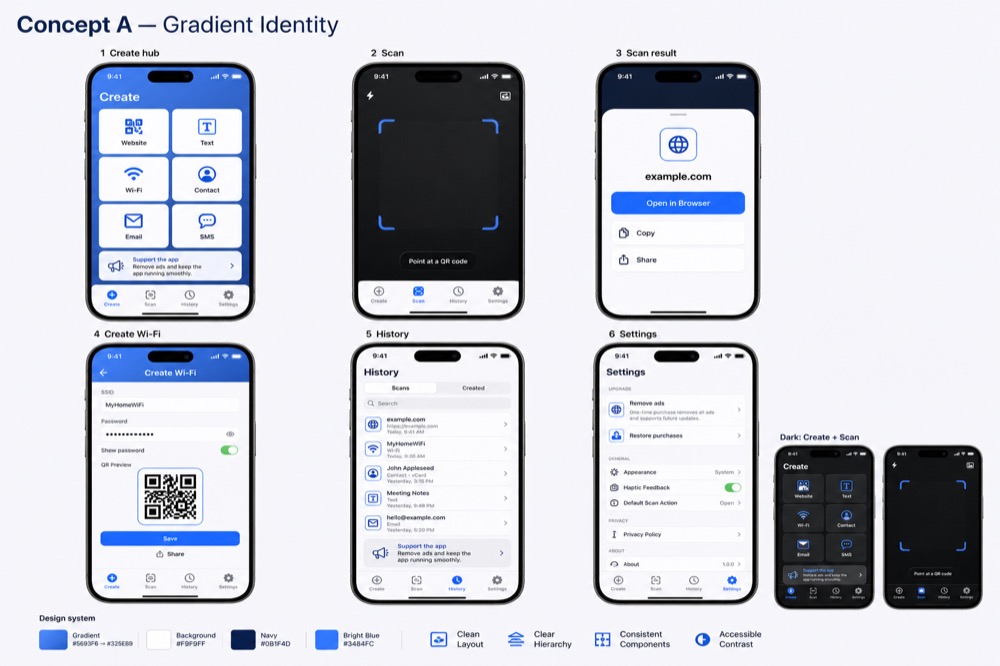
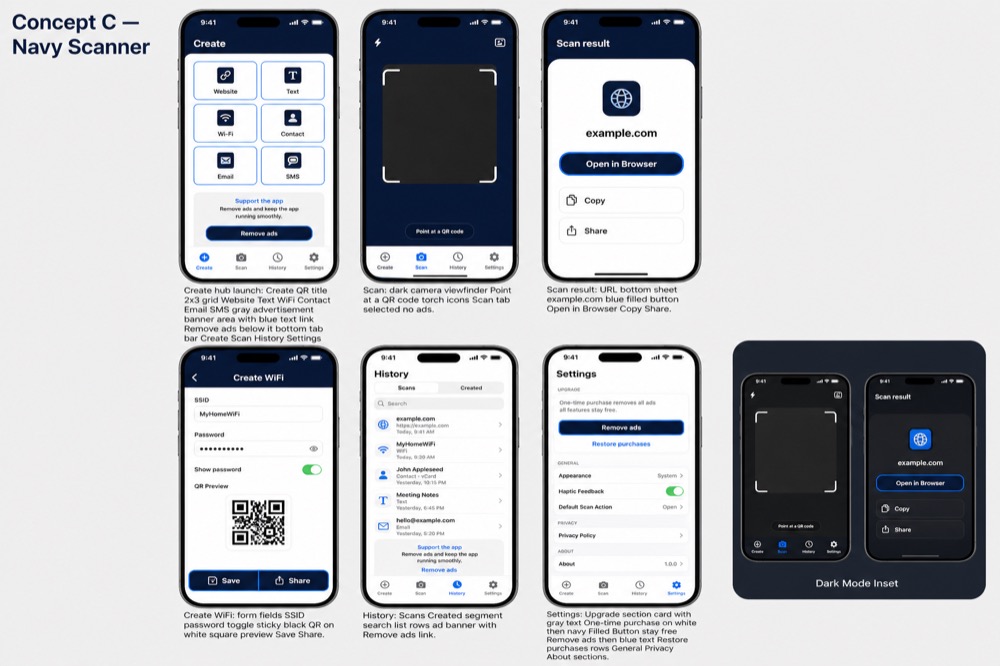
Gallery images are UI direction mockups until App Store screenshots are captured.
What it does
ID Photo Maker helps you create passport, visa, and identity-document photos using the device camera or a photo you already have. Pick a country and document profile, capture or import, adjust crop and background where the profile allows, and review a Pass / Review / Fix compliance report before export. Everything runs on your device; Yoraba does not receive your photos.
Features
Document profiles
US, Canadian, and UK passport (digital and print where applicable) and a verified US nonimmigrant visa digital profile at launch. More profiles ship in app updates.
Capture and import
Face alignment guides in the camera. Import a single photo with the system picker—no broad library access required.
On-device checks
Face detection and measurable rules from official guidance. Results are Pass, Review, or Fix—not a guarantee of government acceptance.
Export
Digital JPEG/PNG and printable 4×6 PDF sheets with multiple photos. Share with system APIs you control.
History
Multiple projects stored locally. Delete individual projects or remove all data in Settings.
Private by design
No account, no backend, no analytics SDKs. Ads only on Home and History when active.
Supported devices
- iPhone and iPad on iOS 17 or later.
- Android phones and tablets on Android 8.0 (API 26) or later.
- Languages: English, Spanish (Spain), Spanish (Latin America).
- Light and dark mode follow your system setting.
Pricing
The full capture, edit, compliance, and export workflow is free. Banner ads appear on Home and History only—never on the camera, editor, compliance screen, or export flow. A one-time Remove Ads purchase removes banners for good. No subscription. Use Restore purchases on a new device with the same Apple ID or Google account.
Privacy at a glance
- Photos are processed on your device and not uploaded to Yoraba.
- No account, no backend, no analytics SDKs.
- Camera and photo picker are used only when you choose them.
- Ads are provided by Google AdMob where applicable.
Read the full Privacy Policy.
Links
© 2026 Yoraba