PDF Sign
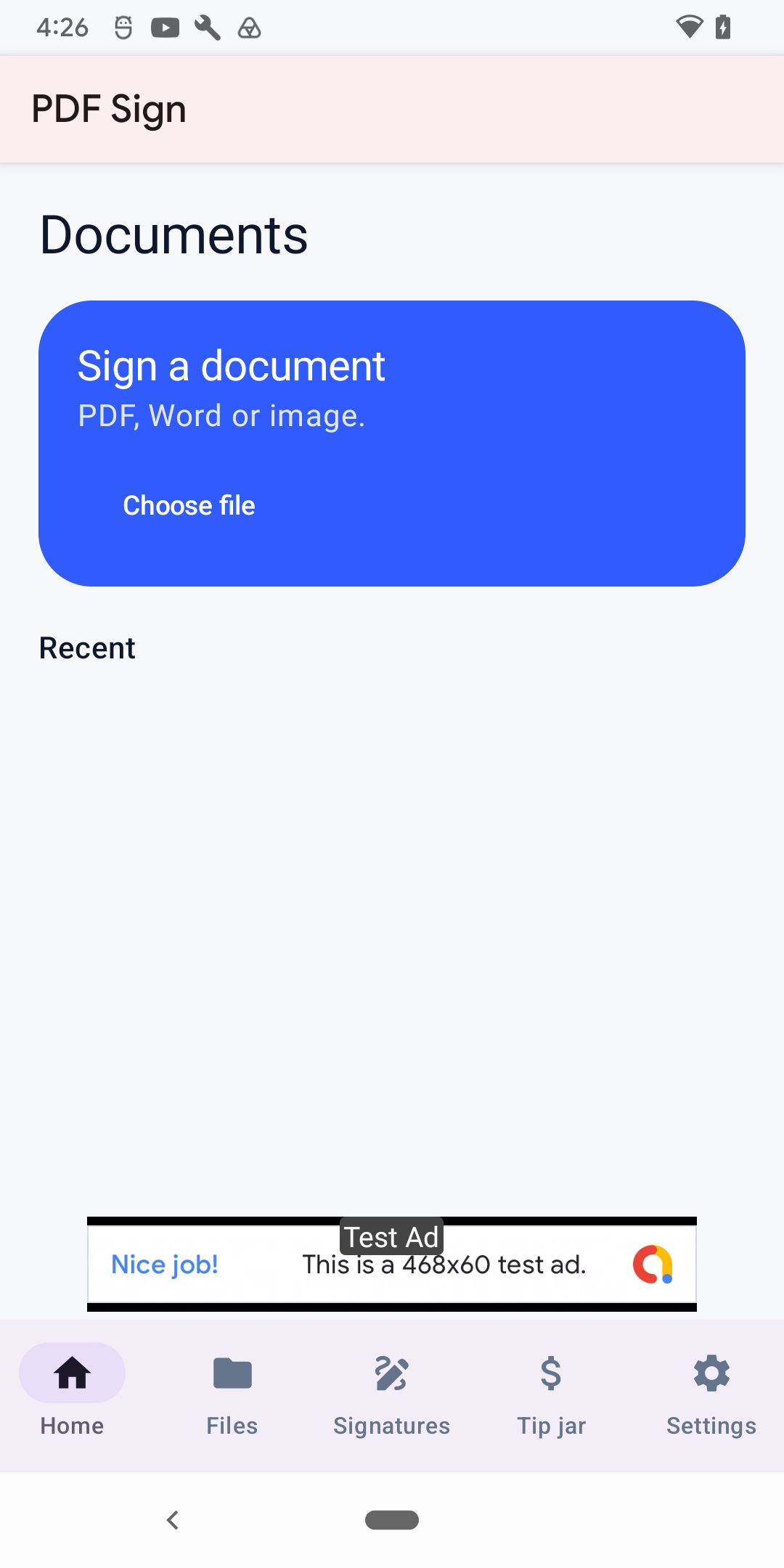
Import a document, place your signature, and export a shareable PDF. Everything you can do offline stays on your device.
What it does
PDF Sign helps you add a visual signature to PDFs, photos, and Word documents on iPhone, iPad, and Android. There is no account and no watermark. PDFs and images are processed on your device. Word files may be sent to a conversion service only when you open a .doc or .docx file so they can be turned into a PDF for signing.
Features
Import
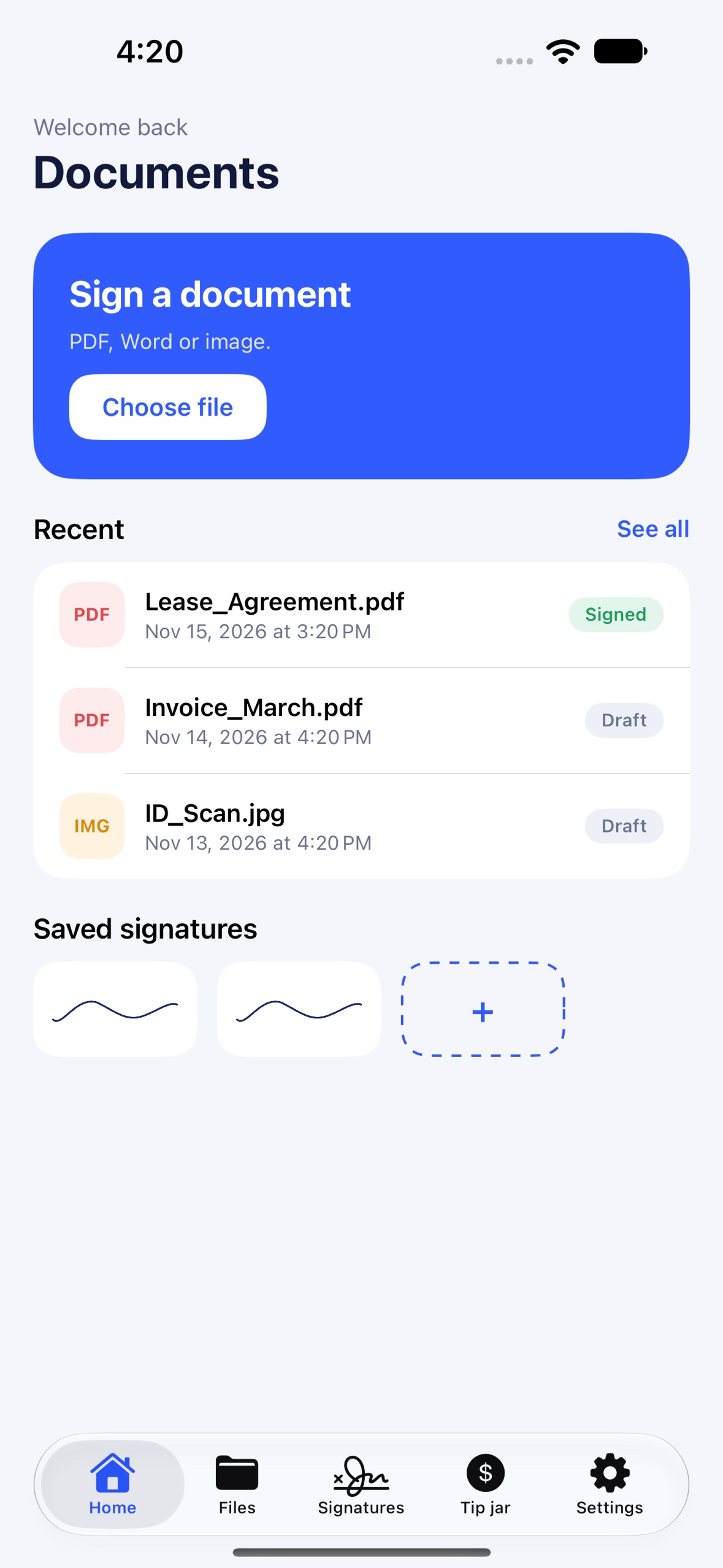
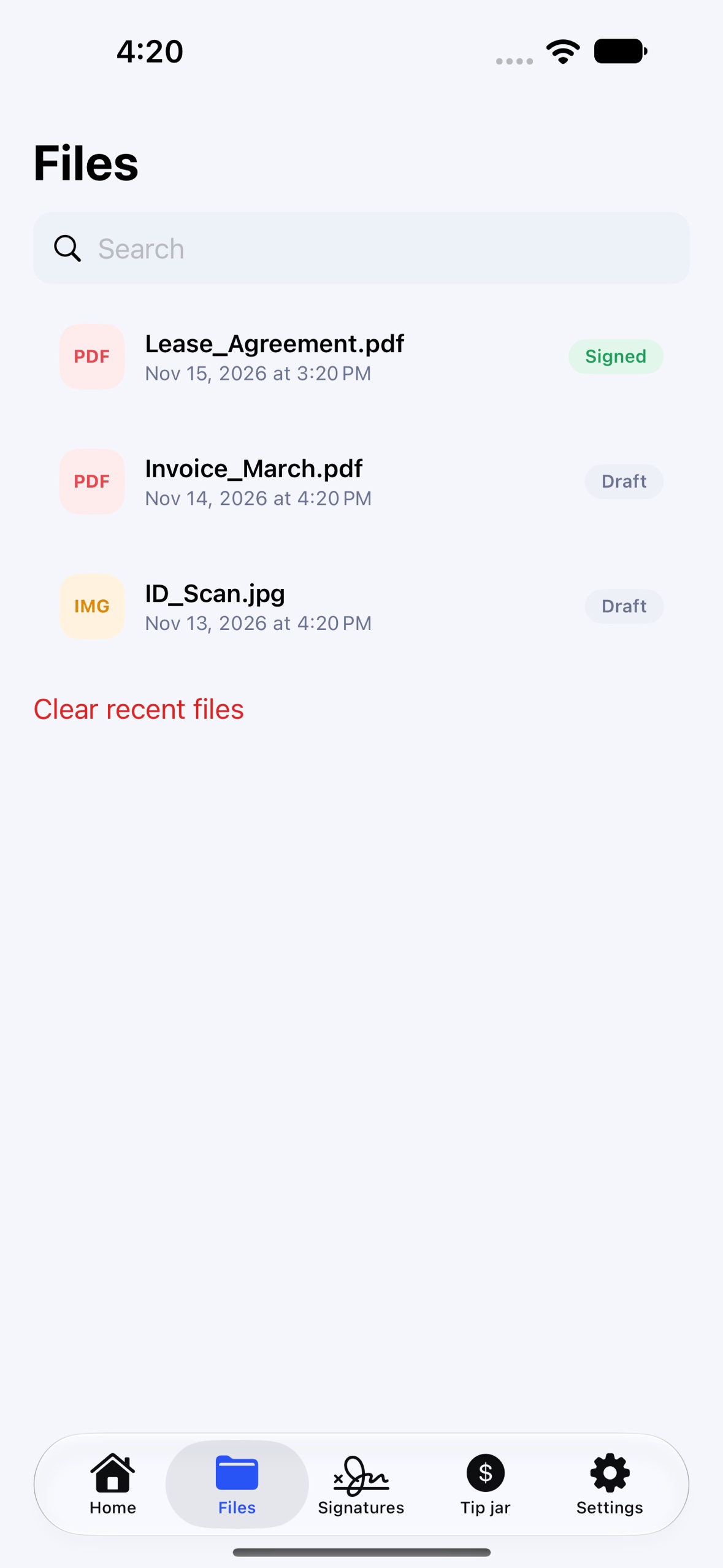
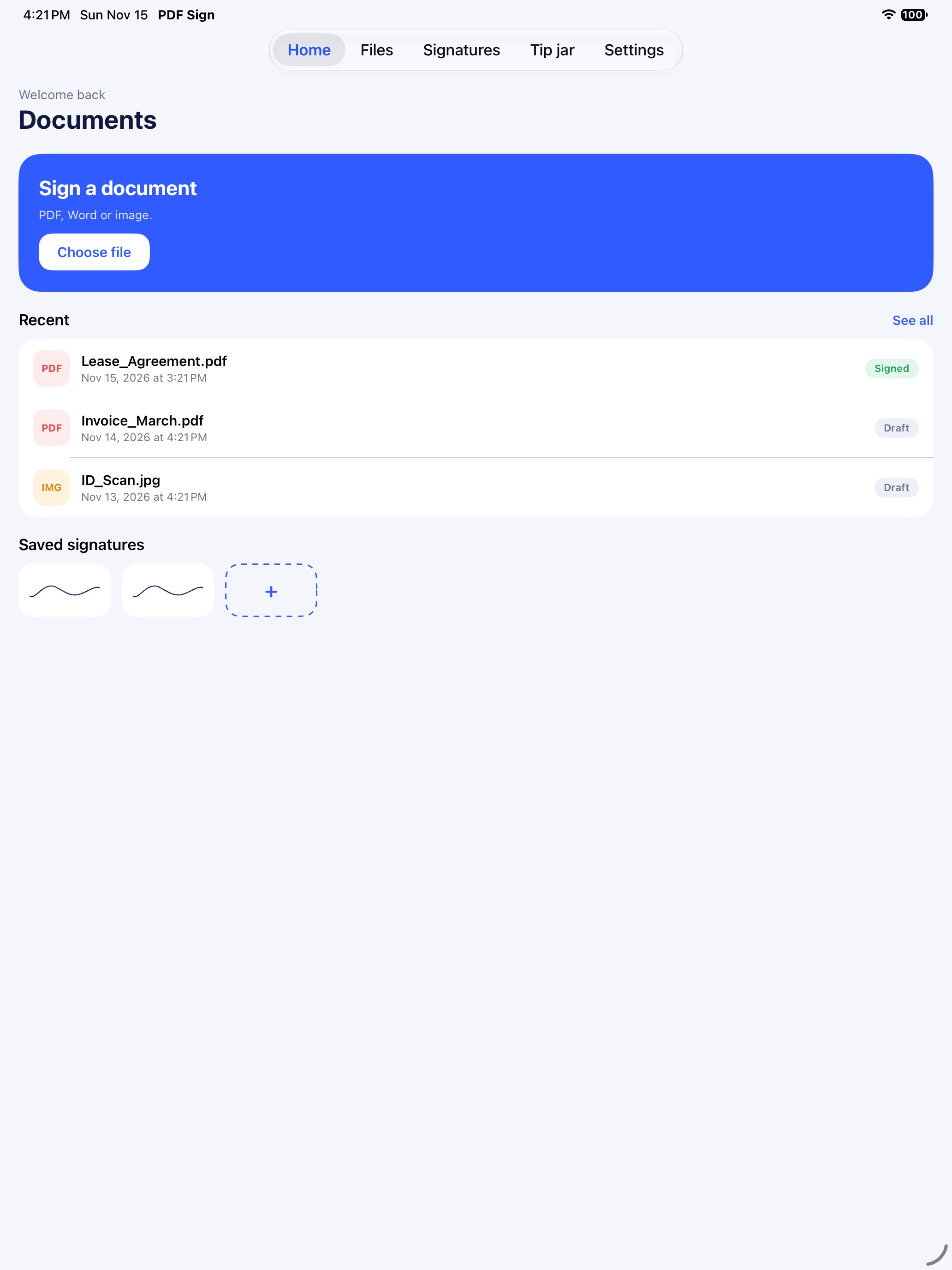
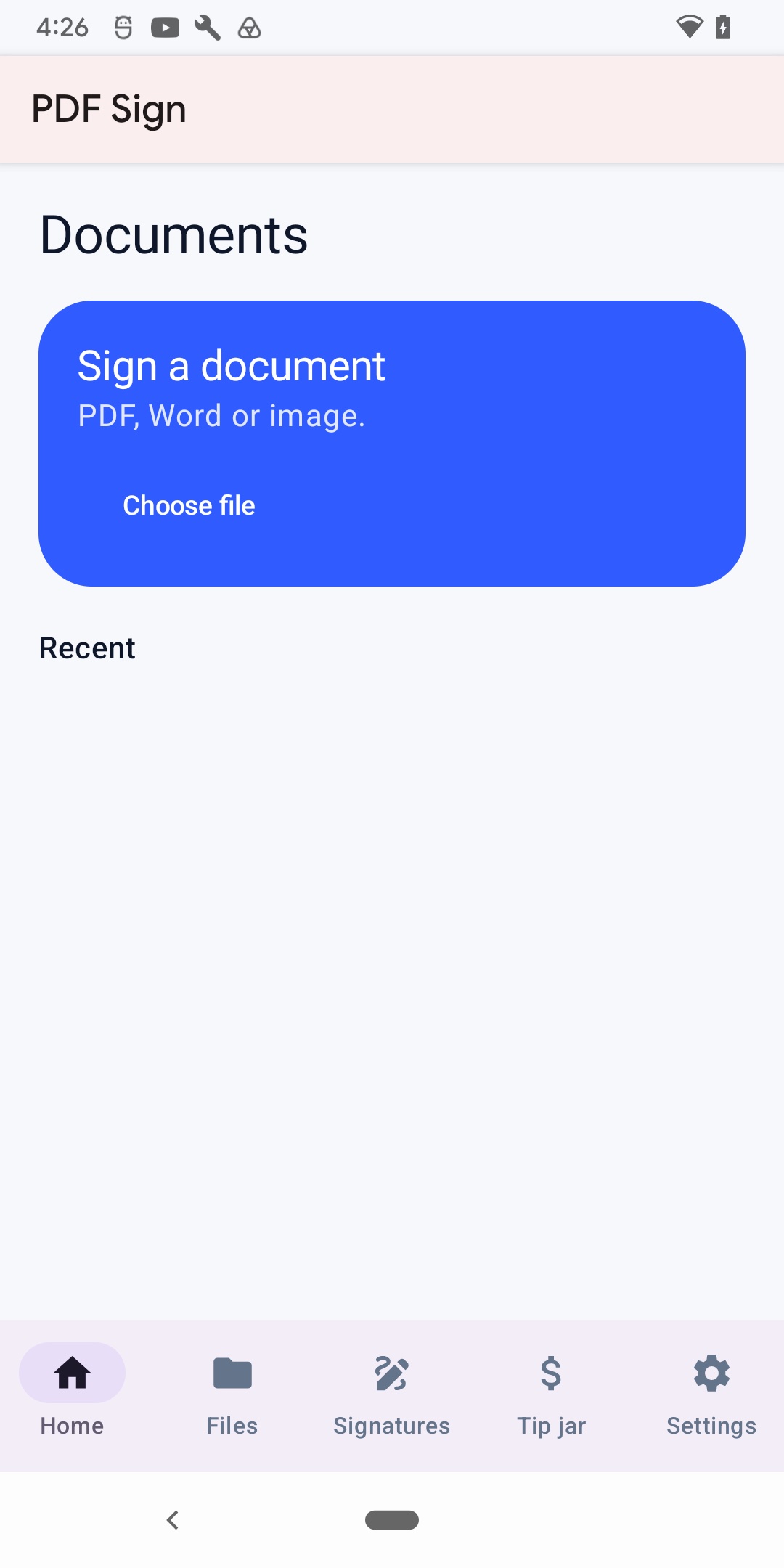
Open PDFs and images from Files or your photo library. Recents on Home and in the Files tab help you get back to work quickly.
Signatures
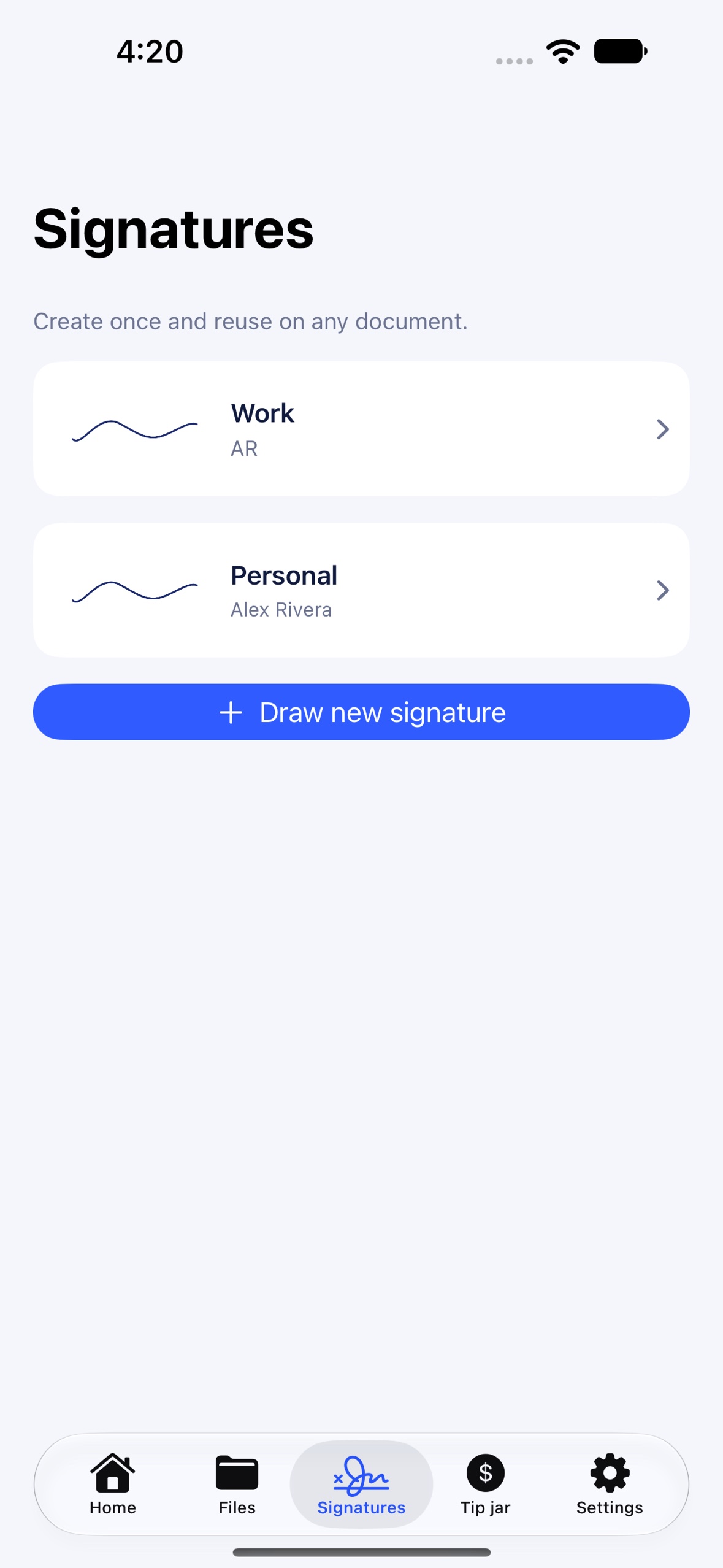
Draw once and reuse on any document. Import a signature from a photo on iPhone and iPad. Manage saved signatures in the Signatures tab.
Place and export
Add signature, date, initials, and text fields on the page. Pan and zoom to align. Export a flattened PDF to save or share.
Word support
When the conversion service is available, Word documents convert to PDF for signing. PDF and image import work without that service.
Privacy
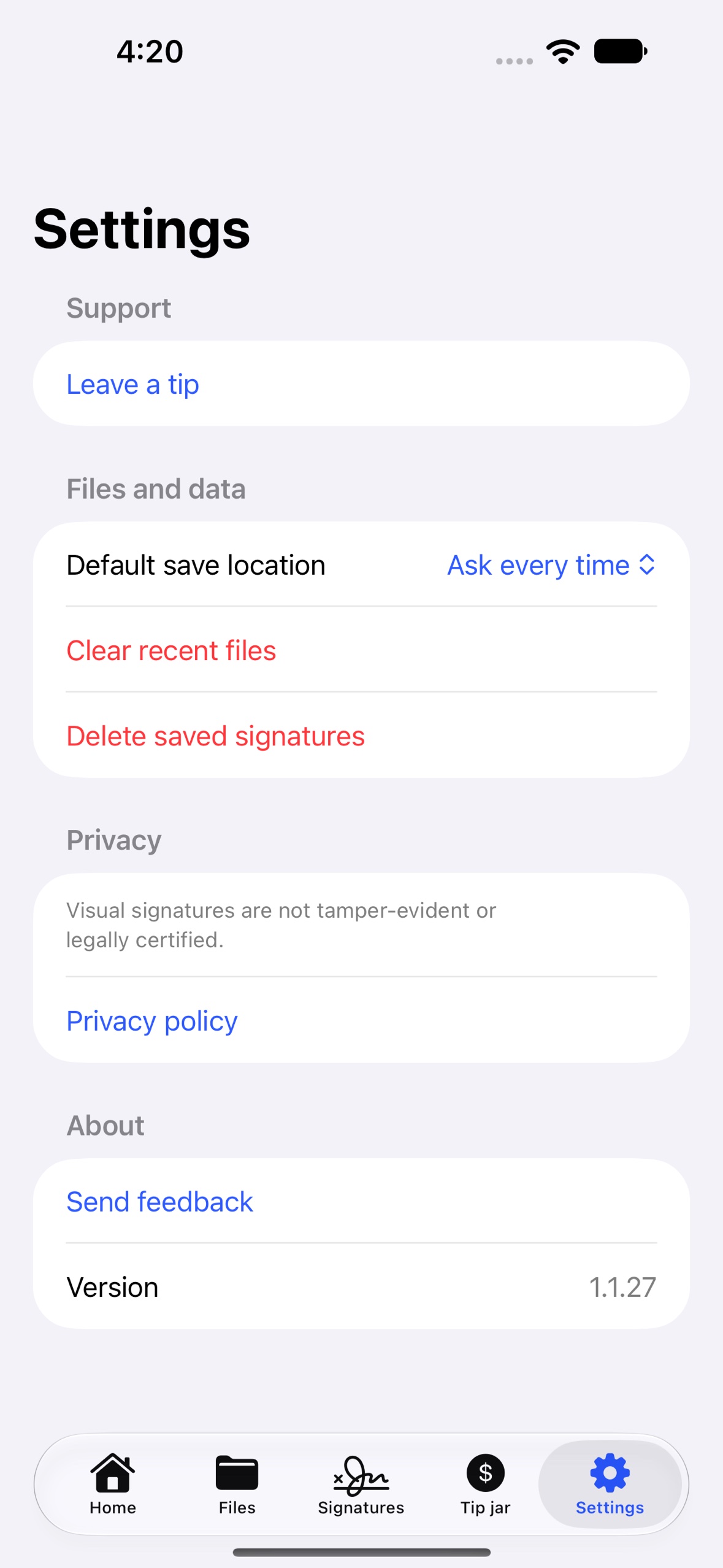
No account. Clear recents and delete saved signatures in Settings. Banner ads appear on Home, Files, and Signatures only — never in the editor.
Not a legal e-sign
Signatures are visual images only. They are not tamper-evident or certified electronic signatures.
Supported devices
- iPhone and iPad on iOS 17 or later.
- Android phones and tablets on Android 8.0 (API 26) or later.
- Store listings: English, Spanish (Spain), Spanish (Latin America). In-app UI is English at launch.
Pricing
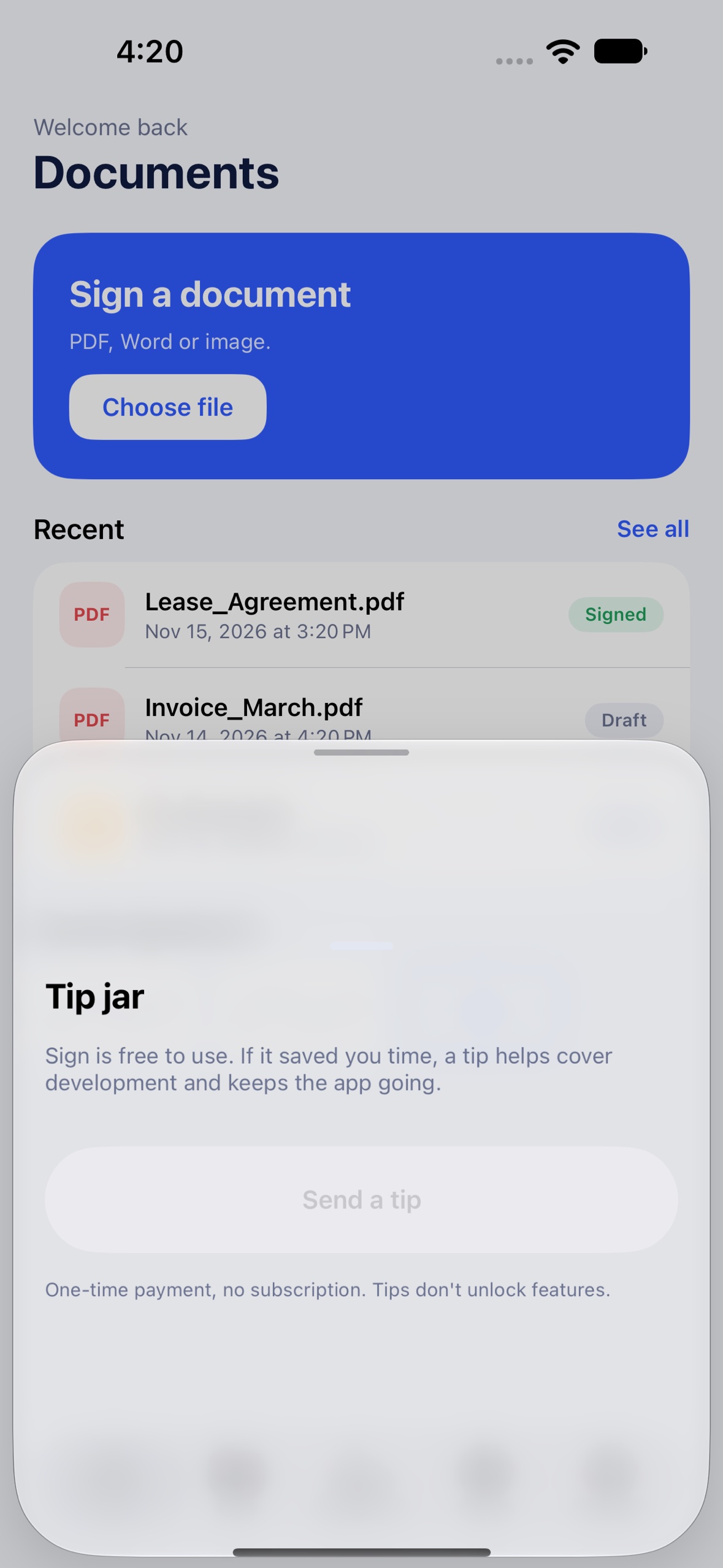
Every signing feature is free. Small banner ads may appear on Home, Files, and Signatures. The Tip jar offers optional consumable tips; they unlock nothing and do not remove ads. No subscription.
Privacy at a glance
- PDFs and images are processed on your device.
- Recent files and saved signatures stay on your device.
- Word conversion sends file bytes only for the conversion request.
- Ads are provided by Google AdMob where enabled.
Read the full Privacy Policy.
Links
© 2026 Yoraba