
GPS Speedometer
See real speed on a clear mechanical dial. Record trips, review stats, mirror speed on the windshield. No account.
Coming soon to the App Store and Google Play.
What it does
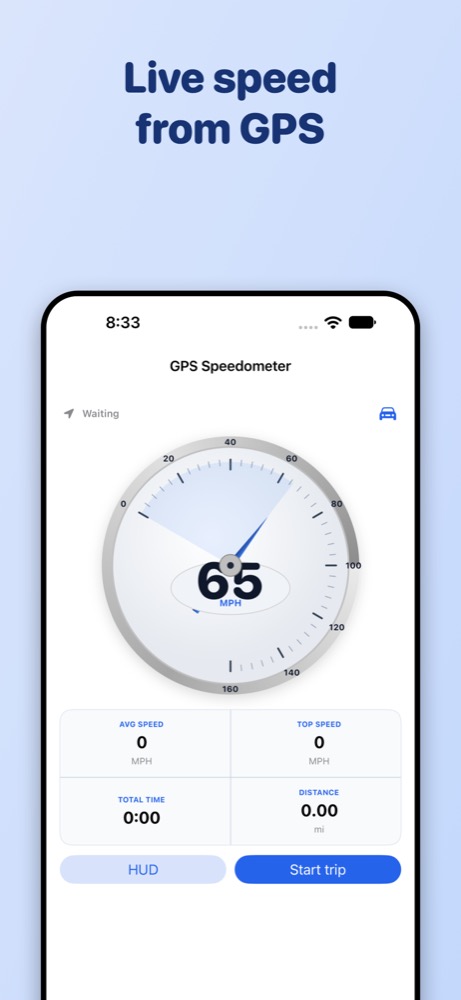
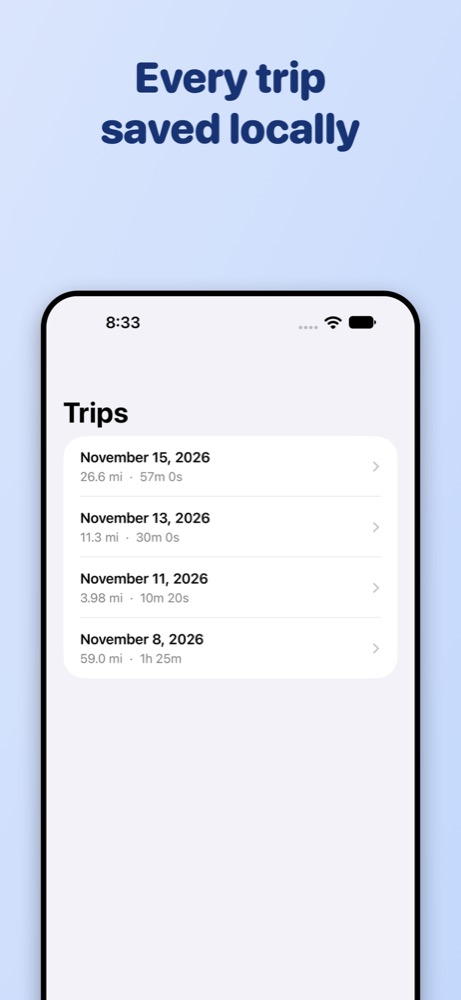
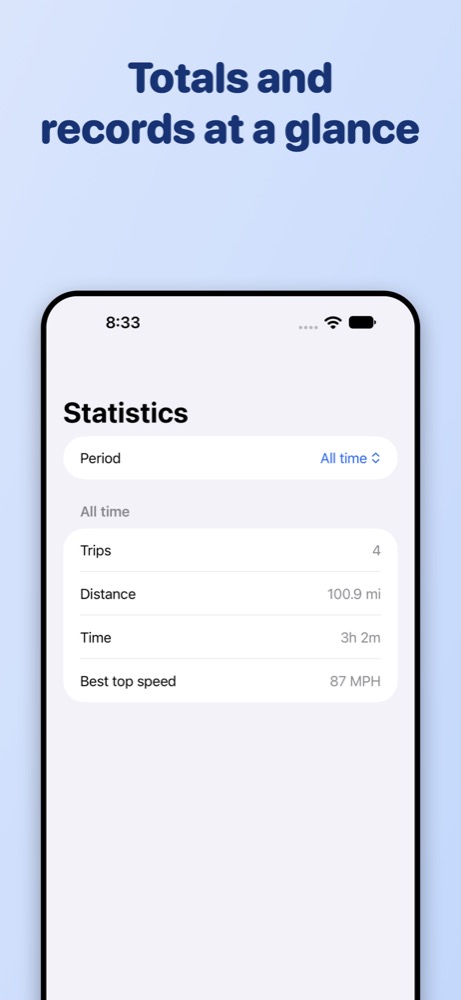
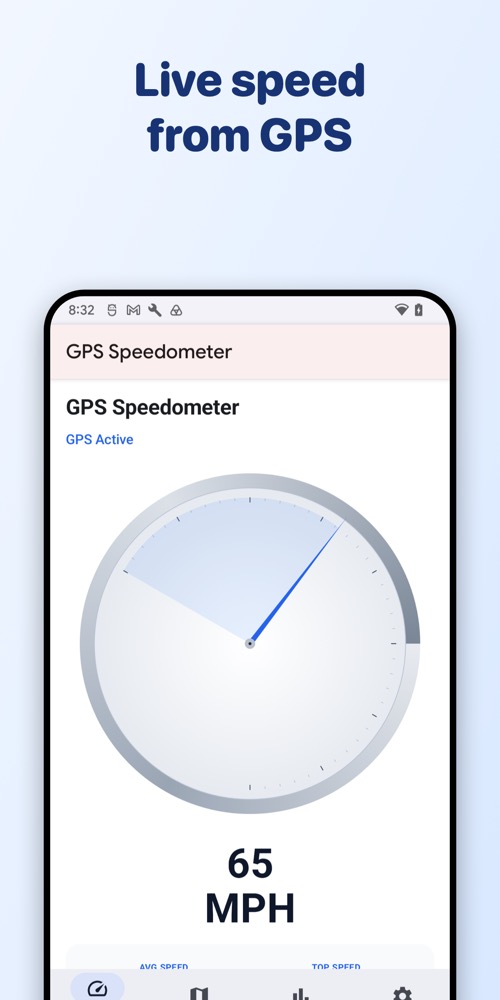
GPS Speedometer turns your phone into a mechanical-style speed readout using GPS—no extra sensors. A large dial shows live speed while you drive, with average speed, top speed, distance, and elapsed time in the trip tray. Completed trips save on your device with date and stats. Statistics summarize totals over a week, month, year, or all time. HUD mode mirrors speed for windshield reflection when it is safe and legal to do so.
Important: obey local laws about phone use while driving. GPS speed can lag or vary with signal quality. Use responsibly—not for enforcement or certified measurement.
Features
Live Speed dial
Analog-style dial with live GPS speed, status, and accuracy. Start and stop trip recording from the Speed tab.
Trip tray
While recording, see average speed, top speed, distance, and elapsed time at a glance.
Trips on device
Every completed trip stays on your phone or tablet. Open details or delete—no cloud sync and no account.
Statistics
Trip count, distance, driving time, and best top speed with filters for week, month, year, or all time.
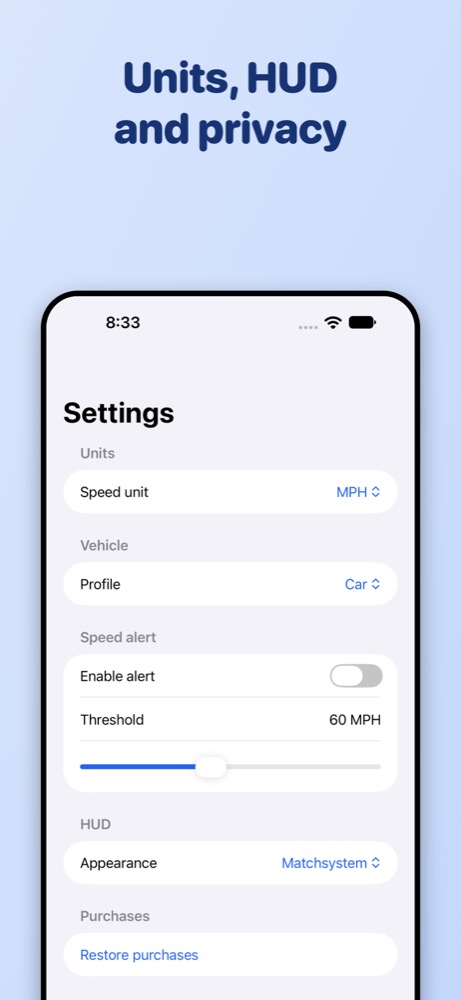
HUD mode
Mirror speed for windshield reflection. Choose light, dark, or match system appearance in Settings.
Remove Ads
One-time purchase removes banner ads on Trips and Statistics. Speed and HUD stay ad-free. No subscription.
Supported devices
- iPhone and iPad on iOS 17 or later.
- Android phones and tablets on Android 8.0 (API 26) or later.
- Units: miles per hour or kilometres per hour (Settings).
- Languages: English, Spanish (Spain), Spanish (Latin America).
- Light and dark mode follow your system setting.
Pricing
Speed, trips, statistics, HUD, and settings are free. A small banner ad may appear on Trips and Statistics only—not on the live Speed screen or HUD while driving. Pay once for Remove Ads (about $4.99) to hide banners permanently. No subscription. Use Restore purchases on a new device with the same Apple ID or Google account.
Privacy at a glance
- No account, no backend, no analytics SDKs.
- Location is used only while the app is in use to show speed and record trips.
- Trip history and settings stay on your device.
- Ads are provided by Google AdMob when ads are not removed.
Read the full Privacy Policy.
Links
© 2026 Yoraba